Enable the Server Graphic Shell on Server 2016 TP2
So back in early May 2015, (I know, like it was sooo long ago..) during the MS Ignite Conference, Microsoft released Technical Preview 2 for Server 2016.
https://www.microsoft.com/en-us/evalcenter/evaluate-windows-server-technical-preview
The installation, regardless of what you select, only installs the CORE installation to reduce the OS footprint and minimize the security impact.
 But what if you want the GUI? You can enable the GUI or (Server Graphics Shell) from within Server Manager. See, I already learned-ya something new today!
I will show you how below.
But what if you want the GUI? You can enable the GUI or (Server Graphics Shell) from within Server Manager. See, I already learned-ya something new today!
I will show you how below.
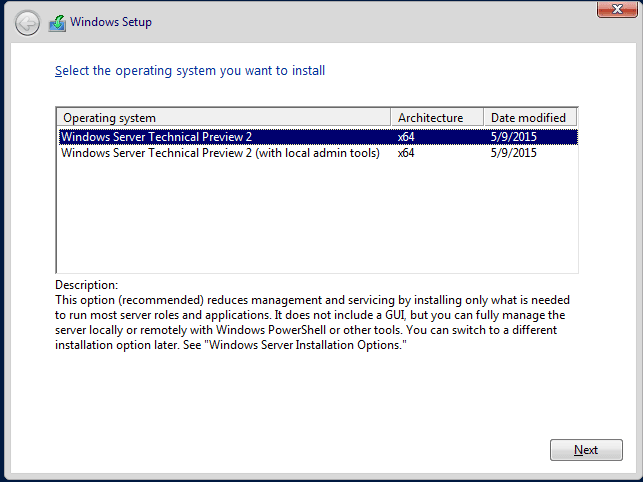 But what if you want the GUI? You can enable the GUI or (Server Graphics Shell) from within Server Manager. See, I already learned-ya something new today!
I will show you how below.
But what if you want the GUI? You can enable the GUI or (Server Graphics Shell) from within Server Manager. See, I already learned-ya something new today!
I will show you how below.
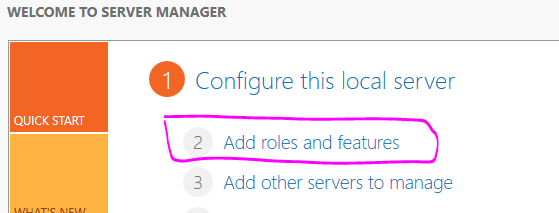
- Navigate to Add Roles and Features Wizard,

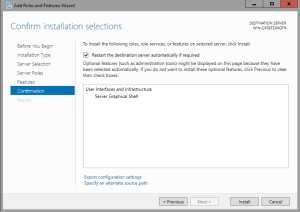
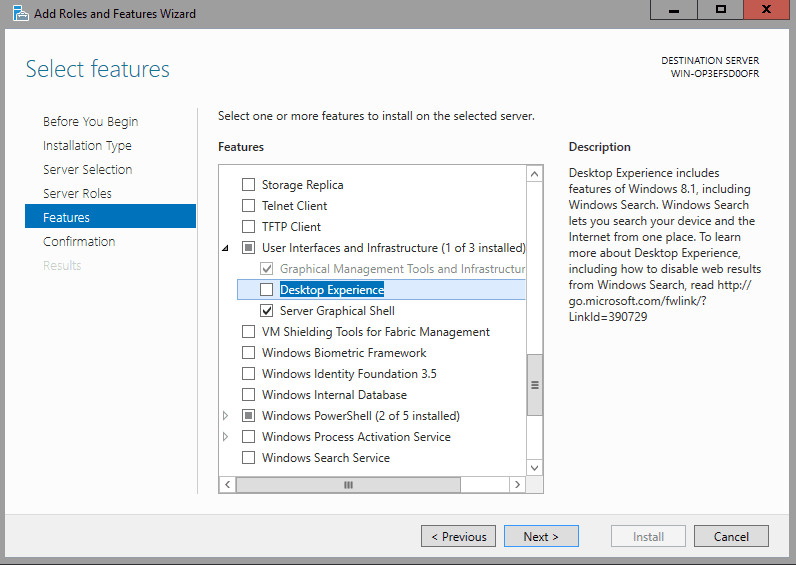
- Select Features and under "User Interfaces and Infrastructure", check Server Graphical Shell.

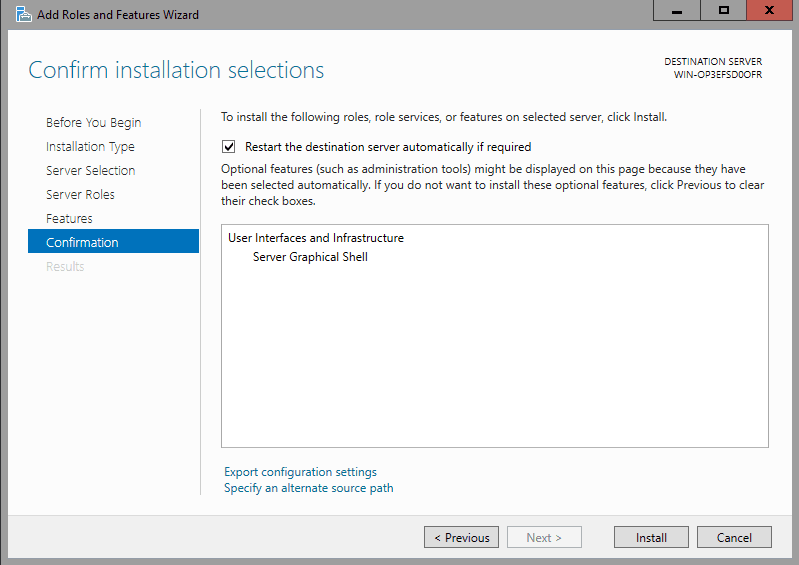
- Confirm the installation, and reboot if desired.
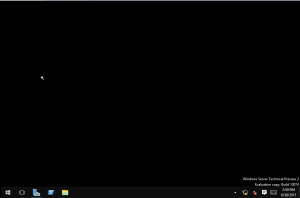
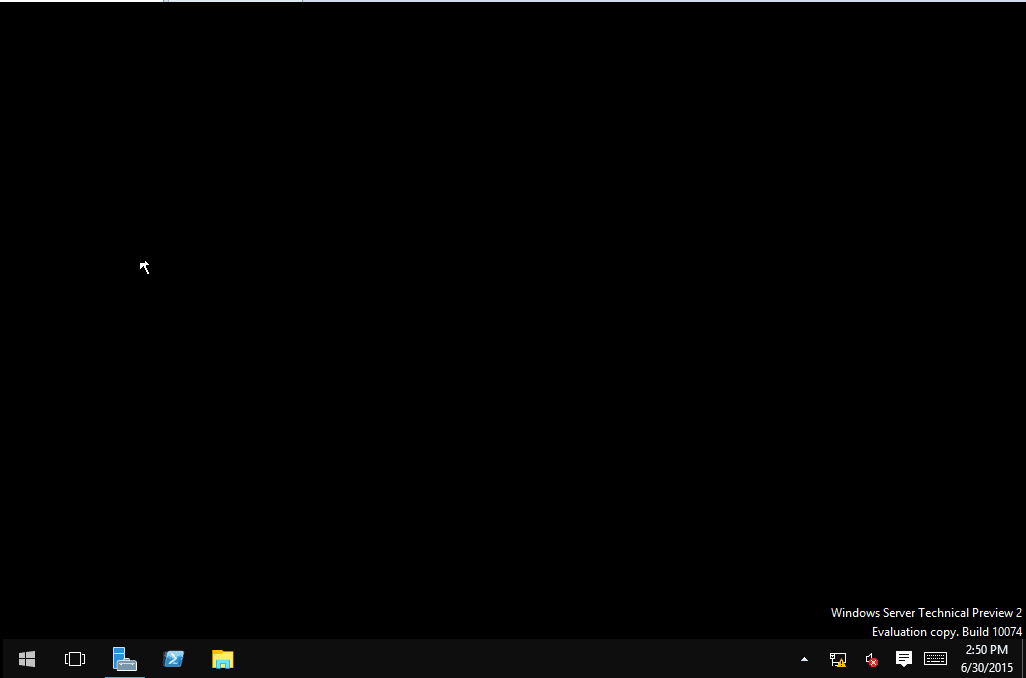
- After a reboot, look at that pretty UI! Yay!
Tags:
0 Comments
Leave a Comment